


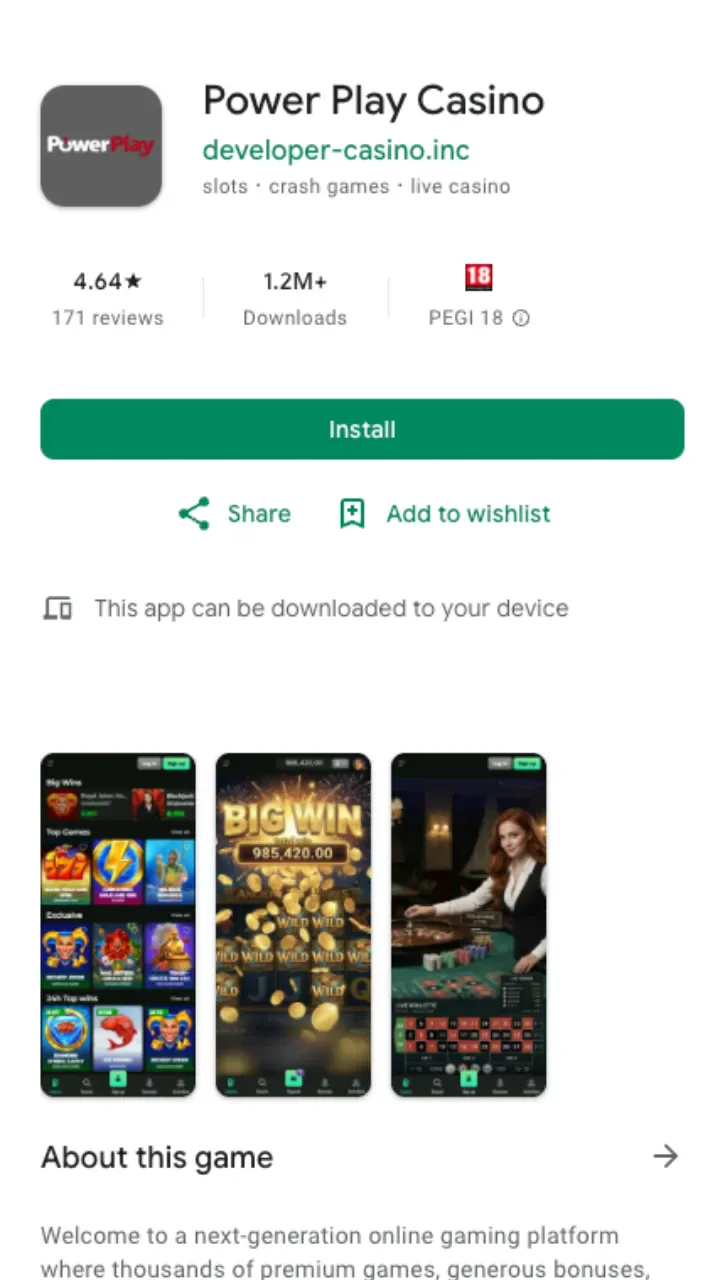
Let's be clear about how mobile actually works here. Power Play does not ship a heavy native binary through Google Play or the Apple App Store. Instead it runs as a progressive web app (PWA) that you save to your home screen. You get an icon, a full-screen view without the browser bar, and fast reloads, without handing over storage space for a big install file. For most Canadian players on modern Android and iOS devices, that is the quicker route anyway.
What you get on mobile
The mobile build is not a stripped-down clone. Every game category, every payment method and every promotion from the desktop site is on the phone version too. The layout just reshuffles for a vertical screen: bigger tap targets, a bottom navigation bar, and search that surfaces titles as you type.
- Full slots library — the same 10,000+ titles from Pragmatic Play, Hacksaw Gaming, Play'n GO, Yggdrasil and more, filtered by provider or theme.
- Live dealer tables — Evolution and Playtech studios stream in HD over 4G, 5G or Wi-Fi.
- Cashier on the go — top up from C$10 (C$20 to trigger the welcome bonus) and withdraw from C$20 without switching to a desktop.
- Account tools — deposit limits, session reminders and self-exclusion sit in the same menu as your balance.
Power Play Casino app vs mobile browser
You can play through any mobile browser without installing anything. So why bother with the app icon? The PWA caches parts of the interface, opens full-screen, and skips the address bar that eats vertical space. The table below lays out the practical difference.
| Feature | Installed PWA | Mobile browser |
|---|---|---|
| Home-screen icon | Yes | No |
| Full-screen mode | Yes | Address bar stays visible |
| Install size | A few MB, cached | Nothing to install |
| Games & payments | All of them | All of them |
| Updates | Automatic, server-side | Automatic |
Bottom line: same games either way, but the installed version feels closer to a standalone app. If you play often, add it. If you drop in occasionally, the browser is fine.
How to install on Android
No APK sideloading, no unknown-sources toggle, no waiting on a store review. Chrome and most Android browsers handle the PWA in four steps.
- Open the Power Play Casino site in Chrome on your Android phone.
- Tap the three-dot menu in the top corner.
- Choose Add to Home screen (or Install app if Chrome offers it).
- Confirm the name and tap Add. The icon lands on your home screen and opens full-screen.
If a banner pops up offering to install the app while you browse, you can just tap that instead. Same result, one fewer menu.
How to install on iPhone and iPad
iOS routes through Safari rather than Chrome for home-screen installs. The steps are short.
- Open the site in Safari on your iPhone or iPad.
- Tap the Share button (the square with an upward arrow).
- Scroll and select Add to Home Screen.
- Rename it if you like, then tap Add. Launch it from the new icon for the full-screen experience.
Device requirements
Nothing exotic. Any Android phone running a reasonably recent version of Chrome, or any iPhone on a current iOS release, will run the PWA smoothly. You want a stable connection for live dealer streams, but slots load fine even on a modest signal. Storage demand is tiny compared with a native casino app, since there is no multi-hundred-megabyte install.
Claiming the welcome bonus on mobile
The C$750 + 200 FS welcome offer works identically on the app. Register, open the cashier, and deposit at least C$20 to activate it (the general minimum deposit is C$10). Wagering runs at x35 on bonus plus deposit and x40 on free-spins winnings, with a 10-day window to clear it. You can track progress from the same account panel you use to create your account, so there is no separate mobile flow to learn.
Payments from your phone
The mobile cashier carries the full method list, including Interac, cards and crypto. Interac and e-wallet withdrawals land within 24 hours after approval, crypto is near-instant, and card payouts take one to three business days. Standard daily withdrawal sits at C$500, rising to C$1,500 for higher VIP tiers. For the complete rundown of limits and processing times, see the payments page.
Support if the install stalls
Stuck on the Add to Home Screen step, or the icon will not open full-screen? Live chat is staffed 24/7 and email replies run around the clock too. Most install hiccups come down to using the wrong browser, so check you are in Chrome on Android or Safari on iOS before you ping the team.
For a broader look at games, licensing and account setup, the Power Play Casino review covers the desktop and mobile experience side by side.